How to Put Calligraphy in Your Instagram Bio
To put a name in calligraphy in your Instagram bio, type it in Calligraphy Studio and choose Copy script text. In Instagram, open Edit profile, paste the result into Bio, and save. Here’s what happens with the name Amelia Rose.
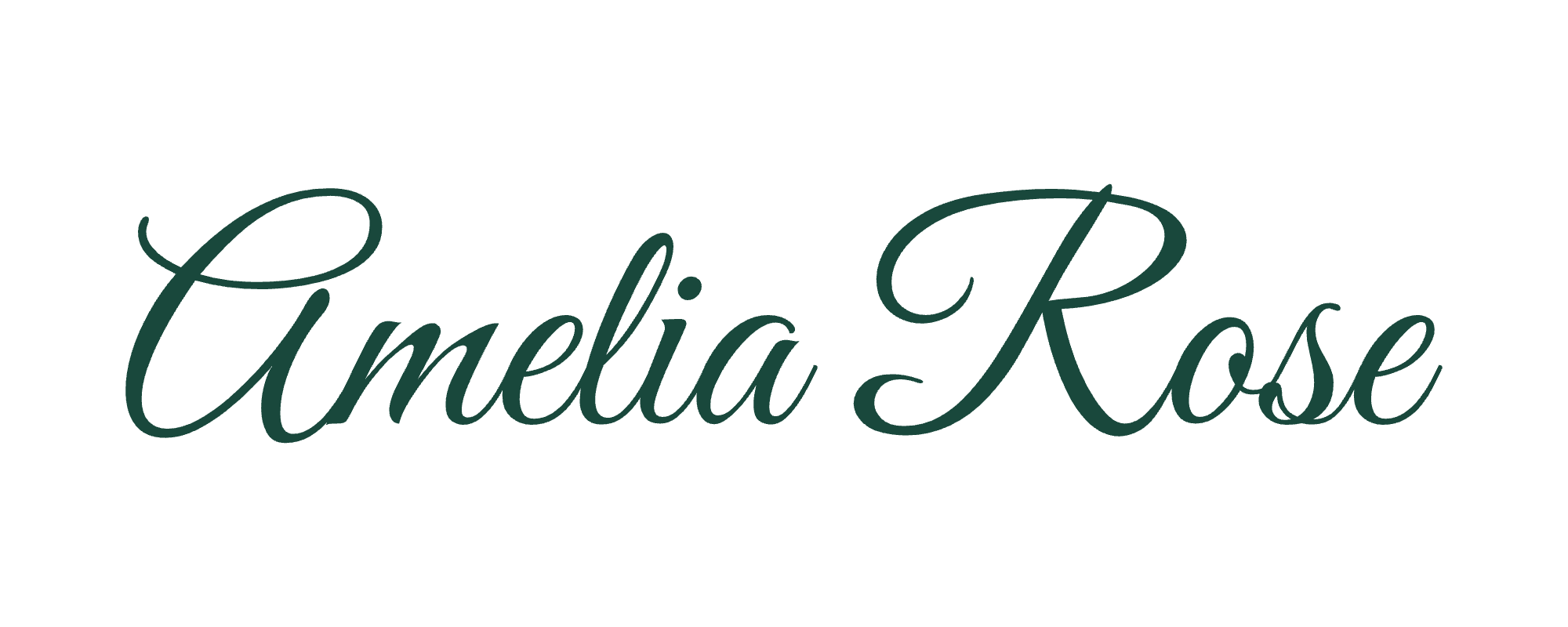
Make a script name and paste it into Bio
- Open the Calligraphy Generator and replace Amelia Rose with the words you want to style. Start with just your name so you can keep the rest of your bio easy to read.
- Look at the Copyable text line below the preview. That line shows exactly what the Copy script text button will put on your clipboard. For example, typing Mira gives ℳ𝒾𝓇𝒶.
- In Instagram, open your profile and choose Edit profile, then Bio. If you want to keep the rest of your bio, select just the name or place the cursor where the new text should go. Paste and save the change.
- Return to your profile and read the whole bio. Check that the last letter of the name is visible and that the words around it still make sense. Keep a plain-text copy of the name so you can switch it back easily.
The Bio field is the short description on your profile. Your @username has its own field. If your bio includes an @mention, keep that handle in its ordinary spelling so it still points to the right account.
Why the pasted name looks different from the image
The two Amelia Rose samples above came from the same input. Download PNG draws the letters as an image. In the PNG sample, the sweeping capital A and pine-green strokes come from the chosen typeface and ink. A PNG is useful for a Story or a post where the shape of that particular A matters.
Copy script text substitutes Unicode script characters for the English letters A–Z and a–z. Instagram can receive those characters as text. Your phone supplies the font that displays them. Try switching between Formal and Brush before copying Mira. The large preview changes, while the copyable line still reads ℳ𝒾𝓇𝒶. Changing the ink color works the same way.
What happens to accents, spaces and numbers?
Take the name Chloë & José. In our generator test, the clipboard held 𝒞𝒽𝓁ℴë & 𝒥ℴ𝓈é. The ë and é in that spelling stay as entered, along with the spaces and ampersand. On some phones, those accented letters will look different from the surrounding script. Keep the accents when you paste so the names retain their spelling.
For an event bio, try styling the name alone, then type the time and location normally. For example, ℳ𝒾𝓇𝒶 · Ceramics in Bristol gives the name emphasis while visitors can still skim the description. Ordinary text is also easier for screen readers to pronounce reliably. Keep booking details and contact information in plain text.
If copying fails or a letter shows as a box
If your browser blocks clipboard access, the generator opens a field labeled Select and copy the script text with the result selected. Use Copy from the selection menu on a phone, or press Ctrl+C on Windows or Command+C on a Mac. Return to Bio and paste as usual.
If pasting works but Instagram shows an empty square, paste the same name into your phone’s notes app. Seeing a square there too suggests the device lacks a glyph for that character. If it appears only in Instagram, check the saved profile on another device if you can. Replacing the affected word with its ordinary spelling keeps the bio readable while preserving the name.
More from the studio
Try your own name in the Calligraphy Generator. To use the same lettering on paper, follow How to Print Calligraphy Place Cards for a Wedding.